What Are the Steps to Perform a Memory Reset on a Jandy AquaLink?
The Jandy AquaLink, which manages various pool functions such as temperature, lights, waterfalls, and cleaning, allows you to store schedules by day or time. You can also save momentary preferences. A full reset erases all saved data, and because the deletion is permanent, it's important to be sure before proceeding.
By Avery Rivera3 steps
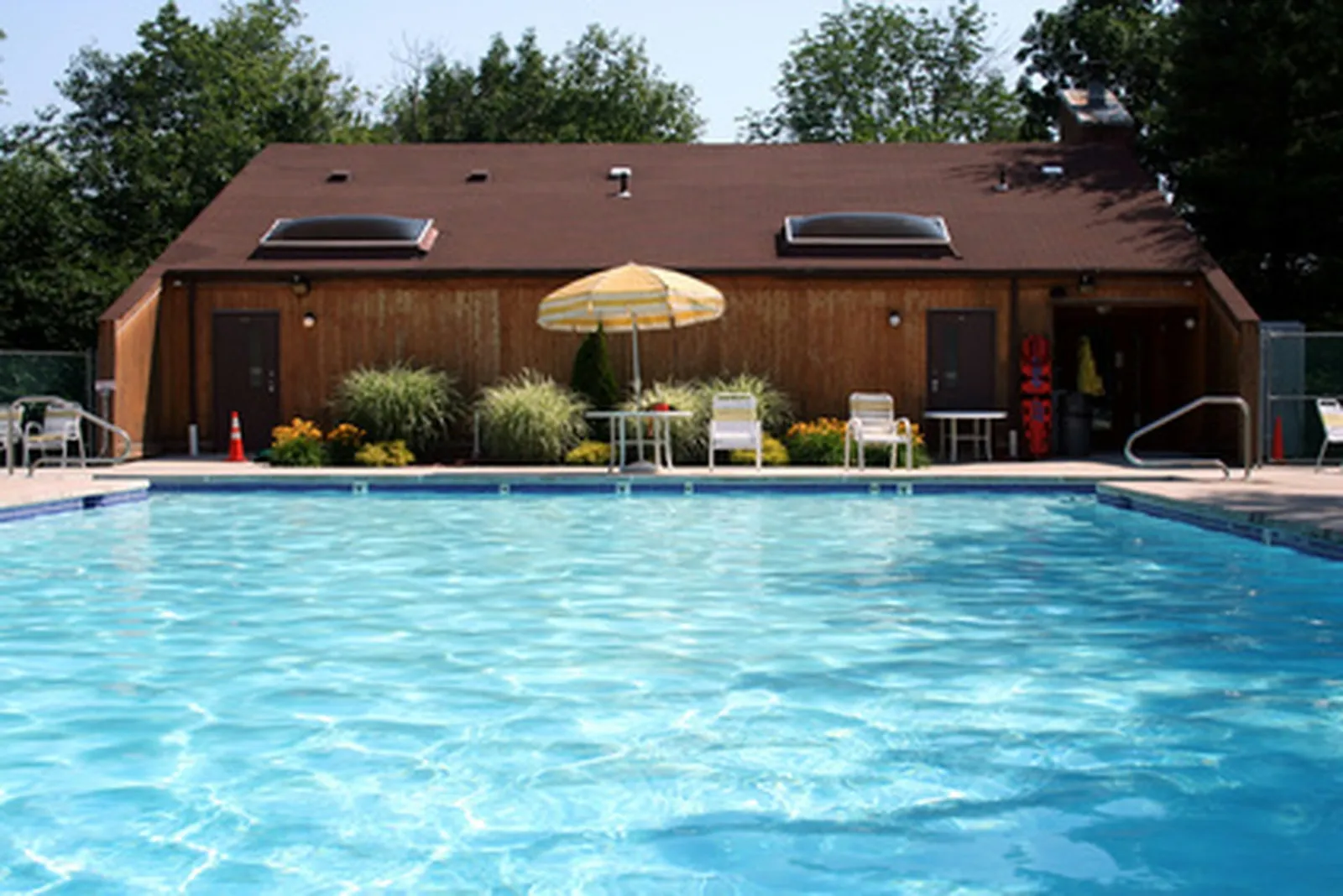
A Jandy AquaLink System helps you maintain your pool settings.
The Jandy AquaLink is a control system for pool operations. Through a keypad mounted on the wall, you have command over pool temperature, lighting, waterfalls, and cleaning systems. The control pad also lets you create and store settings that follow a day or time schedule, or you can apply settings automatically according to what you prefer at that moment. Should you decide to wipe out all saved information, a system reset will erase the memory. Be aware, though, that after the data is deleted, it cannot be brought back.
Step 1
Press the "Menu" button.
Step 2
Scroll to and highlight "System Setup" using the arrow keys. Press "Enter."
Step 3
Scroll to highlight "Clear Memory," then press "Enter." You have now reset your AquaLink system.