Designing No-Cost Drink Vouchers You Can Print at Home
When you're putting together a gathering that includes beverages, offering complimentary drinks can draw people in and promote the occasion. If distributing physical drink tickets to every guest isn't practical, you can create a printable version so attendees can print them at their convenience ahead of the event.
By Skyler Mitchell5 steps
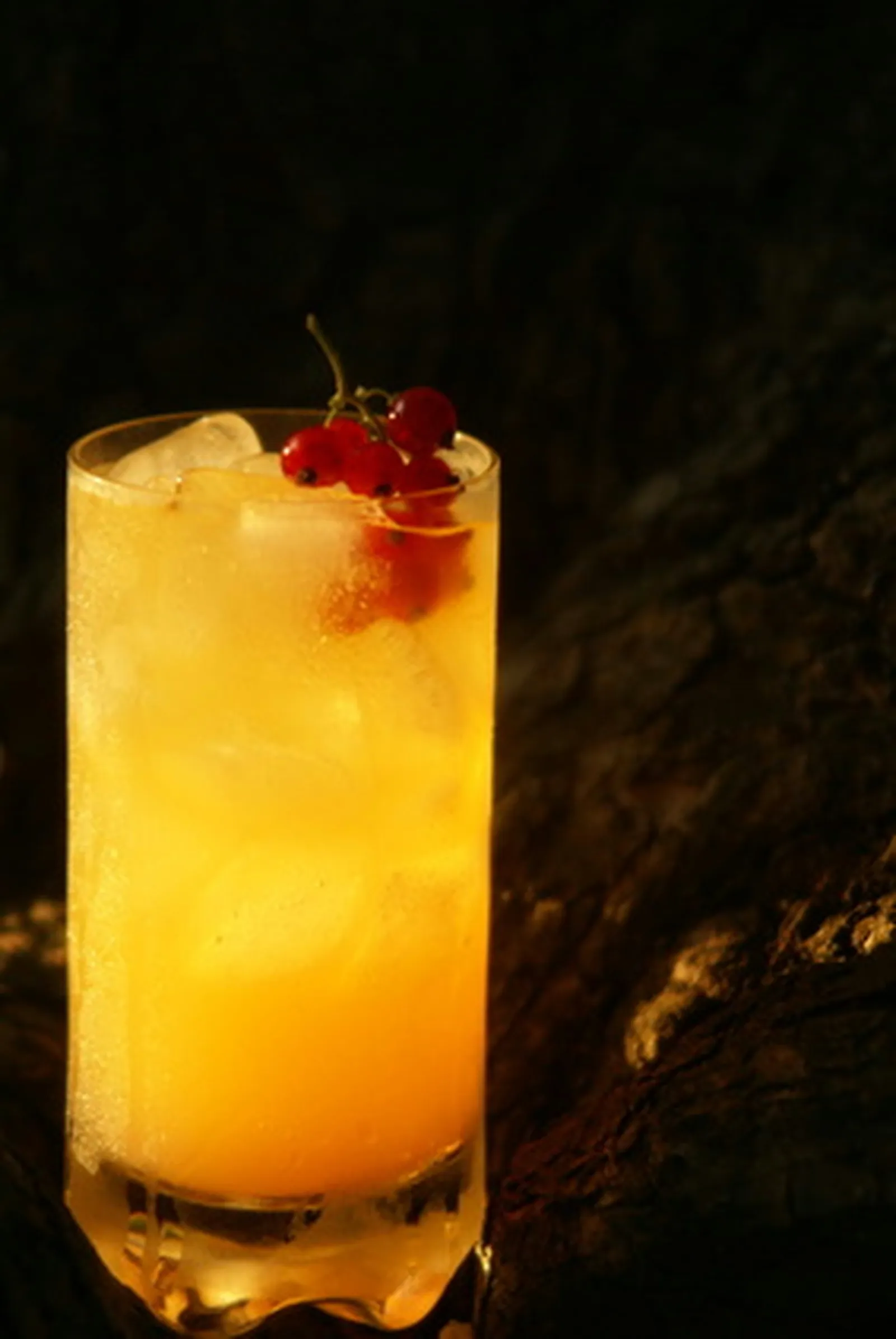
Free drinks can be a great way to advertise your event.
Planning a party or event where drinks will be served? Even better if those drinks are on the house. Complimentary beverages serve as an effective promotional tool and a way to attract attendees. When handing out actual drink tickets to everyone isn't feasible, a printable option lets guests easily print them before the event.
Step 1
Launch Microsoft Word on your computer.
Step 2
Go to the "Insert" tab on the top menu bar. Navigate to "picture" and select either "clip art" or "from file." You can pick one of Word's built-in clip art images or use a personal image.
Step 3
Scale the image so its dimensions match the size you want for your drink ticket.
Step 4
Enter the relevant event details: date, time, location, and the host's name or organization. Add a website or address for the venue so guests can locate it without trouble. Also specify whether the ticket covers a single free drink or unlimited drinks for the entire evening.
Step 5
Send the drink ticket as a Word document via email so your guest can print it.