Updating Your Address Details in a U.S. Passport
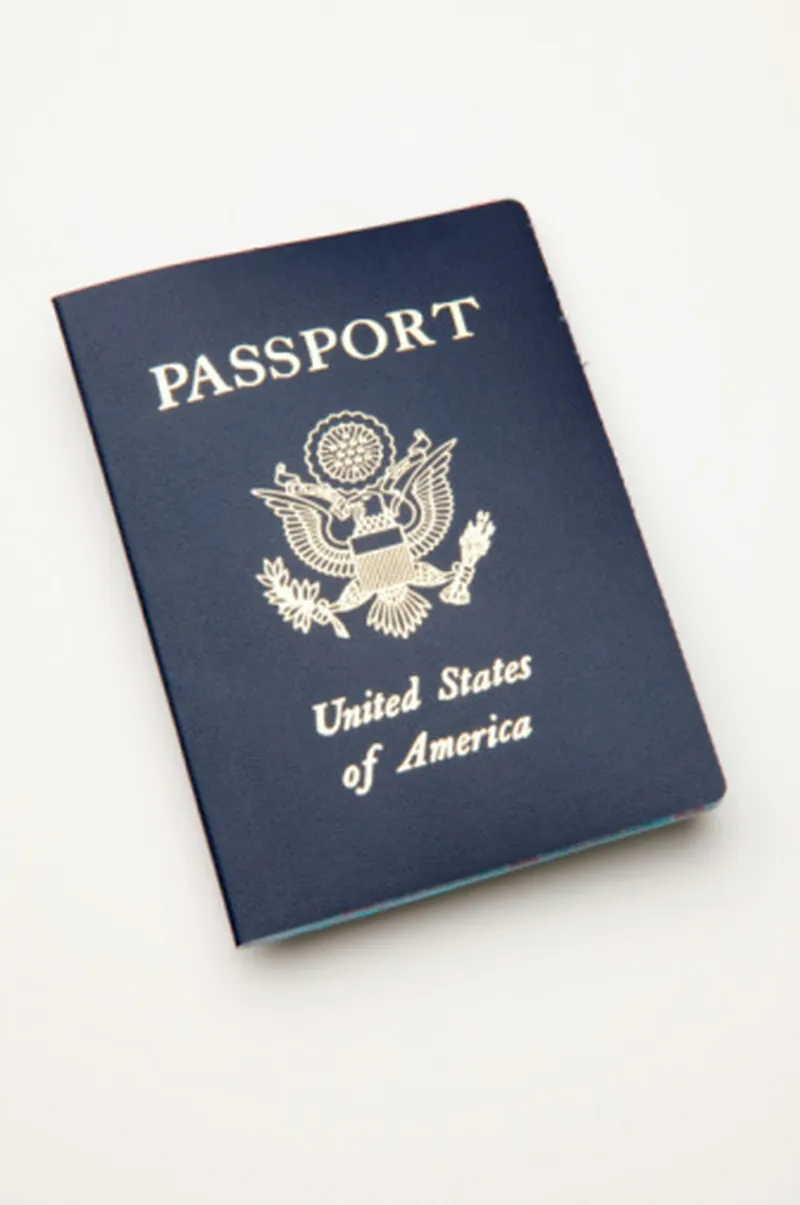
A U.S. passport functions as a highly trusted identity document, much like a state driver's license. When you first apply, you supply your address, but the passport itself—valid for ten years—does not display that address on its pages. A designated area inside the passport lets you record your address for emergency purposes.
By Toby Rivera3 steps
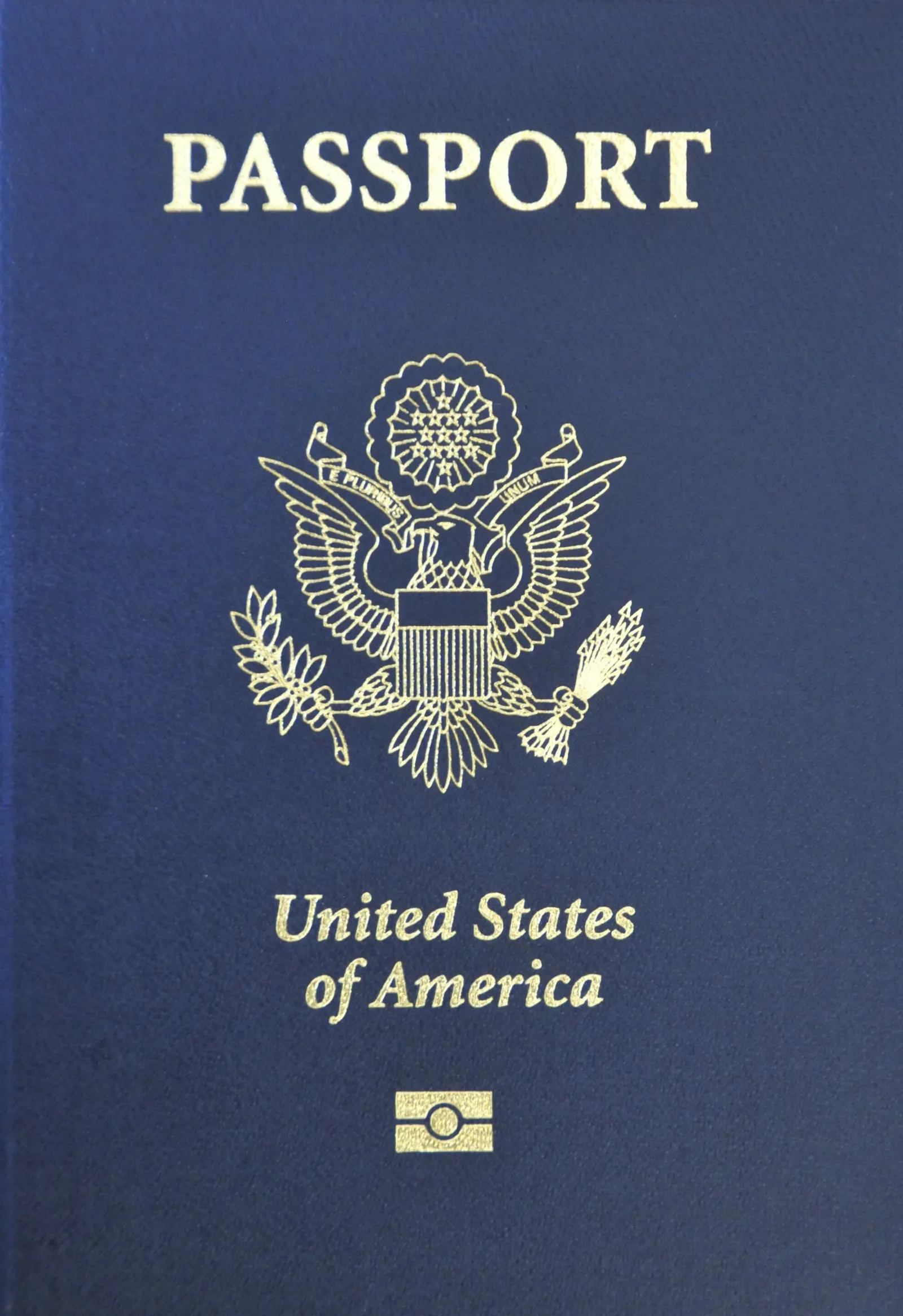
The State Department doesn't print addresses on U.S. passports.
Alongside a state-issued driver's license, a U.S. passport ranks among the most reliable forms of identification. While you submit your current address during the passport application process, the passport itself—renewed every ten years—does not feature your address in print. What it does include is a blank area inside where you can jot down your address, a step you might consider taking for emergency situations.
Step 1
Locate the section in your U.S. passport labeled "Personal Data and Emergency Contact." You will find this page immediately following the signature page.
Step 2
Using a pencil, fill in your address in the designated space at the top of that page. Write clearly in print to ensure it is easy to read. Then complete the emergency contact details at the bottom. Should your passport be lost or stolen, or if other urgent situations occur while you are abroad, officials will be able to determine where to forward your passport or how to reach your family.
Step 3
Remove any outdated addresses and old emergency contact entries from your passport by erasing them, and refresh the information whenever it changes. This is precisely why using a pencil in your passport matters.