Lost Your Delta SkyMiles Number? Here’s How to Retrieve It
Forgetting your 10-digit SkyMiles number is common, and without it you might be stuck in a login loop if you lack a username or password. Delta provides several ways to recover your number: online through the Fly Delta app or website using a 'Forgot Login/Password' option, or by phone if your email has changed. These methods can help you get back into your account.
By Riley Wilson
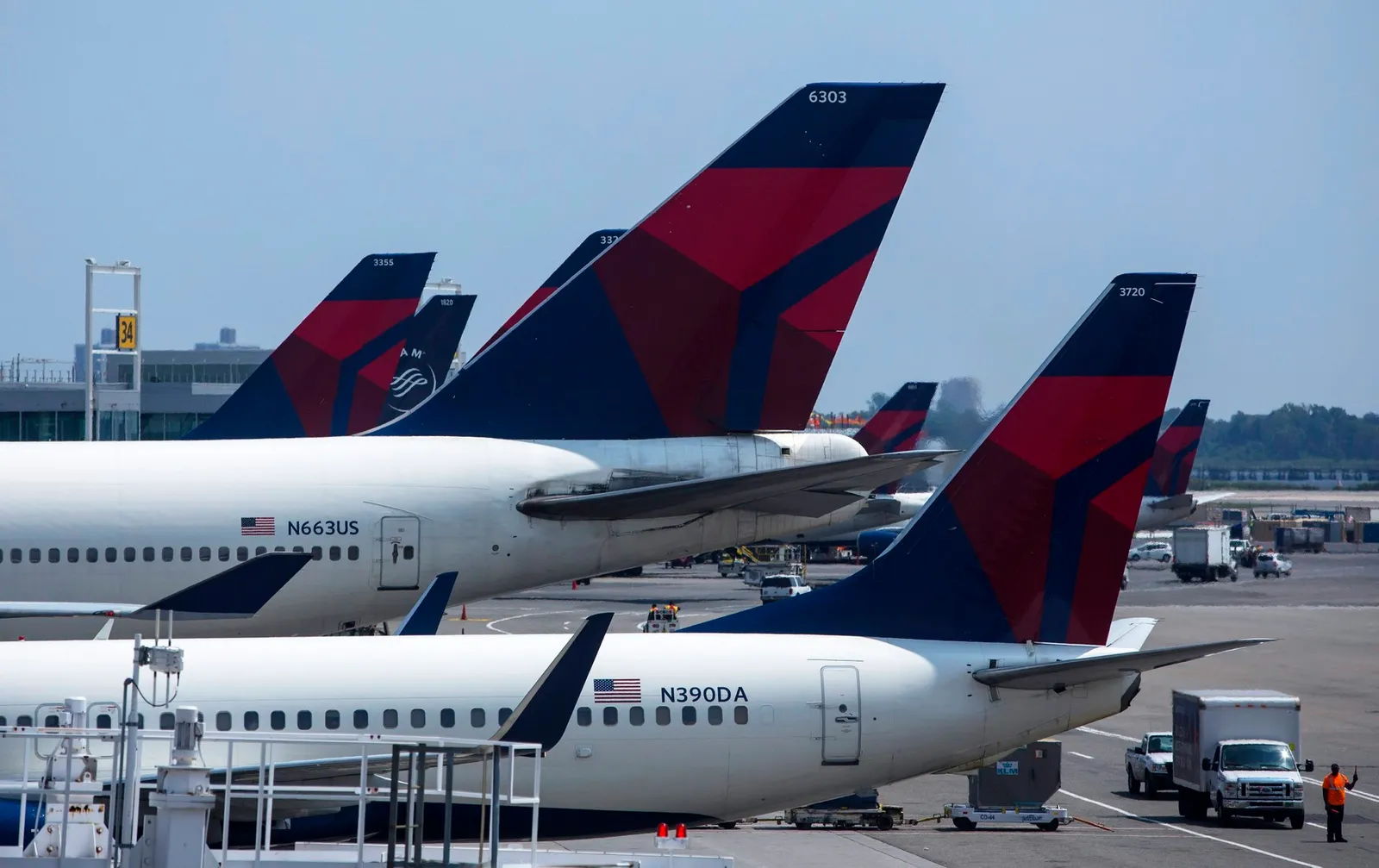
SkyMiles is Delta's frequent-flyer program.
Many people never commit their 10-digit SkyMiles number to memory, and the physical card is easily lost. Attempting to log into your online account to retrieve the number can be futile if you've forgotten your password. Moreover, if you haven't set up a username, you'll need your SkyMiles number just to log in—a frustrating cycle. Delta may not be immediately ready to assist, but the airline does offer several ways to help you regain access.
How to Recover Your Number
Logging into your account on the Delta website or through the Fly Delta app is the most straightforward method to find your SkyMiles number. Should you lack a username or have forgotten your password or username, simply click the "Forgot Login/Password" link located at the top of the homepage. This directs you to the Login Help page, where you can click on the "I forgot my SkyMiles Number or Username" link and provide the email address associated with your SkyMiles account. Your account details will then be sent to that email. For older accounts that relied on a PIN, you'll also need to set up a password to keep accessing your account; the necessary link is available on the Login Help page.
If Your Email Has Changed
In case the email you originally used to register for SkyMiles is no longer active, reach out to Delta's main customer service line. A SkyMiles representative will assist you and will need to confirm some personal details on file before providing your number. You will also be required to supply a new email address for your account.