Using Prepaid Gift Cards to Purchase Flights Online
Online flight booking tools let travelers compare routes and schedules without involving an agent, but payment usually requires a debit or credit card. A gift card—Visa gift cards included—can function in the same way as a credit card for this purpose, provided its balance is sufficient to cover the full ticket price.
By Quinn Cooper5 steps
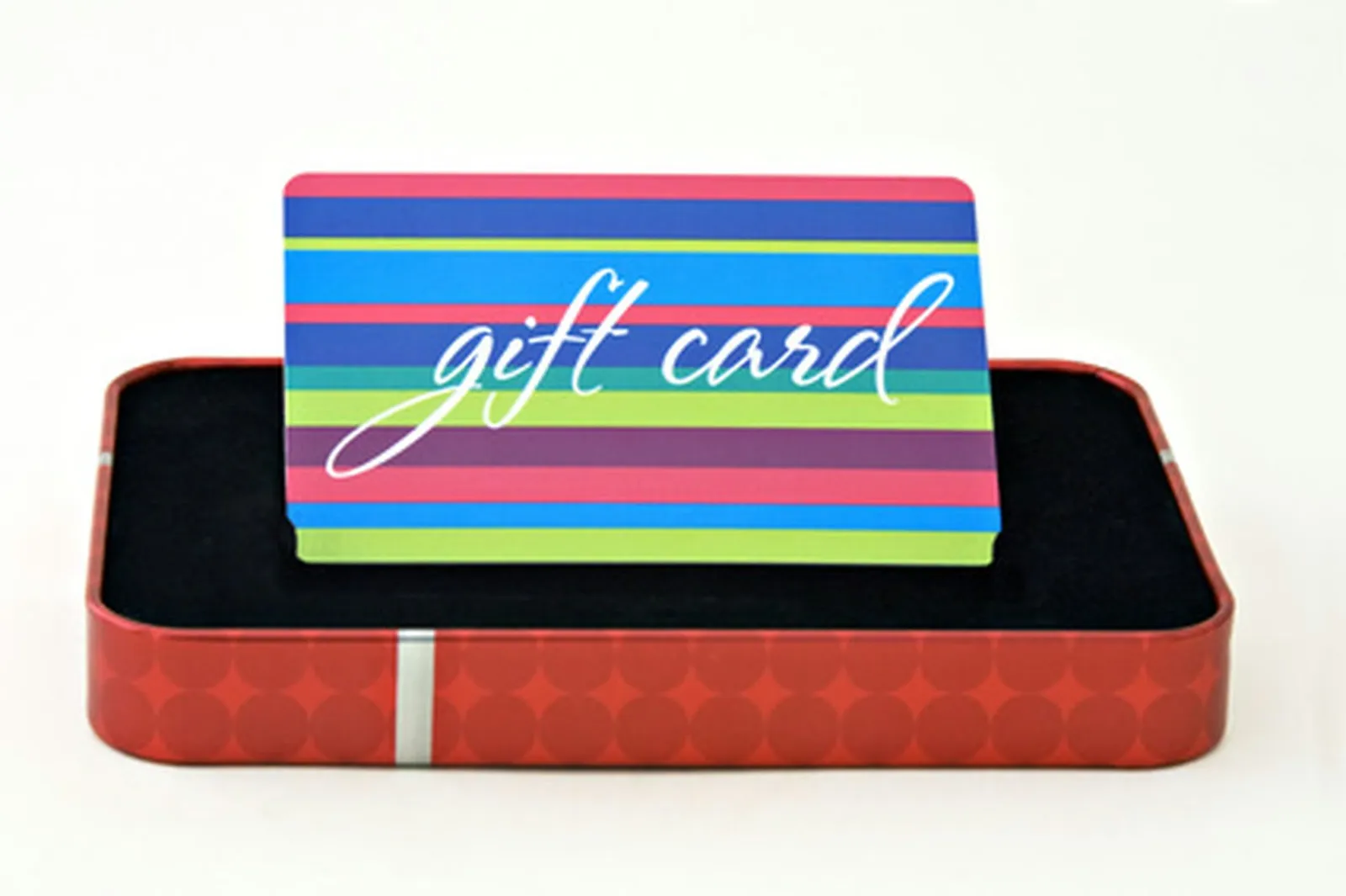
Purchase an airline reservation with a gift card.
Reserving a flight through an online platform gives you the ability to review every flight option available for your route and complete the booking on your own, without going through a travel agent. Payment for the reservation normally calls for a debit or credit card. Since gift cards—Visa gift cards among them—are processed in the same manner as credit cards, one can be used to finalize an online booking, as long as the card's balance covers the full purchase amount.
Step 1
Open the website of the booking service you want to use, for example Travelocity, Expedia or Priceline.
Step 2
Enter the city you are departing from and the city you are traveling to, along with your intended travel date and the number of people flying.
Step 3
Pick the flight that best suits your preferences. Numerous flights are typically offered, differing in fare, number of stops and overall duration. It is sometimes the case that longer flights with additional stops come with the lowest price, though that is not a consistent rule.
Step 4
Provide your booking details, including your name, email address, mailing address and anything else the site asks for.
Step 5
Enter the gift card's billing information. This means the 16-digit number printed on the front of the card and its expiration date. As the billing address, use the address to which the gift card was originally mailed. Click "submit" and the tickets will be charged to your gift card.