Configuring Combination Codes on Travel Luggage Locks
Whether you own TSA-approved locks or standard built-in models, the process of assigning a personal code involves specific mechanical steps. This guide walks through the procedures for both TSA locks and Samsonite-style push-button locks.
By Casey Watson7 steps
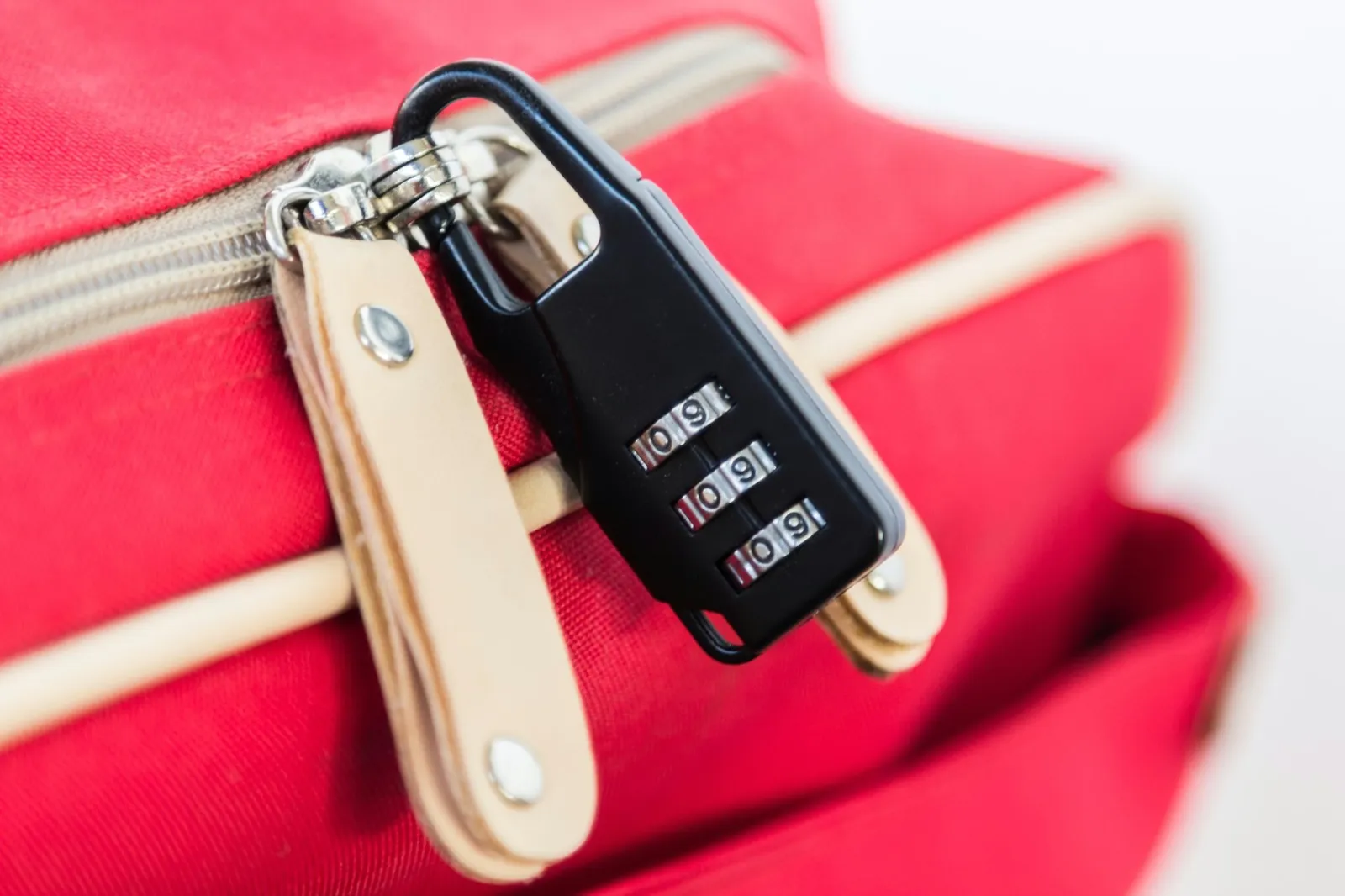
TSA locks are convenient choices for frequent fliers.
The decision of whether to secure your bags with a lock is a common dilemma. Certain travelers invest in premium suitcases featuring locks, only to find Transportation Security Administration staff have forced them open during a baggage inspection. Conversely, some people choose to travel with unlocked luggage, risking the loss of valuable belongings to theft. A TSA lock presents a middle-ground solution that could suit your needs, and configuring its combination is a straightforward task.
TSA Baggage Locks
Before any luggage is placed on an aircraft, the Transportation Security Administration is responsible for screening it. Every bag undergoes electronic screening, but there are instances when this method is insufficient. Should an item inside a bag seem unusual, agents will physically open the suitcase for a closer examination. In such cases, locks are sometimes damaged.
To alleviate this issue for travelers, the TSA introduced locks that function both as combination locks and as keyed locks. These TSA locks come with combinations that owners can set, but they are also designed to be opened with universal master keys held by airport security personnel. When security concerns require opening a bag during transit, agents can do so without breaking the lock. Owners choose their own combination code and access the lock that way.
Setting TSA Locks
Follow these steps to set or reset TSA locks.
Step 1
Turn all four dials on the TSA lock so they read zero. When properly aligned, each zero should sit along the red line on the front of the lock. The four-zero position is the factory default for opening the lock. If you have previously set a combination and now want to change it, dial in your existing code instead.
Step 2
Lift the shackle—the metal loop that secures around your luggage strap. Rotate the shackle a quarter turn (90 degrees) in either direction, then press it back down as if you were locking it.
Step 3
While keeping your finger pressing down on the shackle, rotate the four dials to the four-digit combination you have chosen. Each number should line up along the red line on the front of the lock.
Step 4
Stop pressing down on the shackle. Pull it up and return it to its original position. Change one of the dial settings and lock the TSA lock. To reopen it, align the four digits of your code.
Setting Regular Luggage Locks
Many new suitcases feature built-in TSA-approved locks that resemble older luggage locks. Each manufacturer designs its locks differently, so setting procedures vary. Below is how to set push-button locks on a Samsonite suitcase.
Step 1
Remove any plastic pieces obstructing the lock, and set the dials to three zeros—the factory default combination. If you are resetting the lock, set the dials to your current three-digit code.
Step 2
Push the button toward the dials. While holding it in, turn the dials to your new three-digit code. Test the lock by trying to secure the suitcase. If the new code is set correctly, the zippers will not remain in the lock slots when the dials show your chosen three-digit code.
Step 3
Rotate the dials to numbers that are not part of your code. Lock your suitcase.